
Legs · Conditioning finisher
Cable Squat to Row
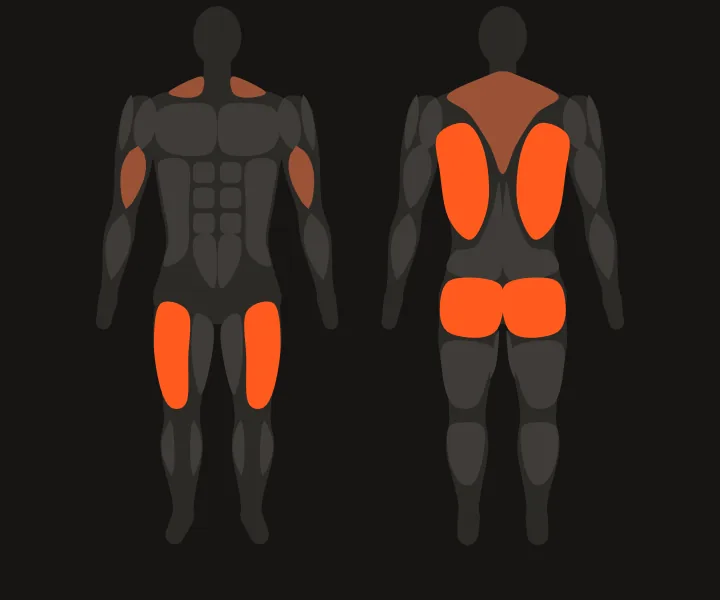
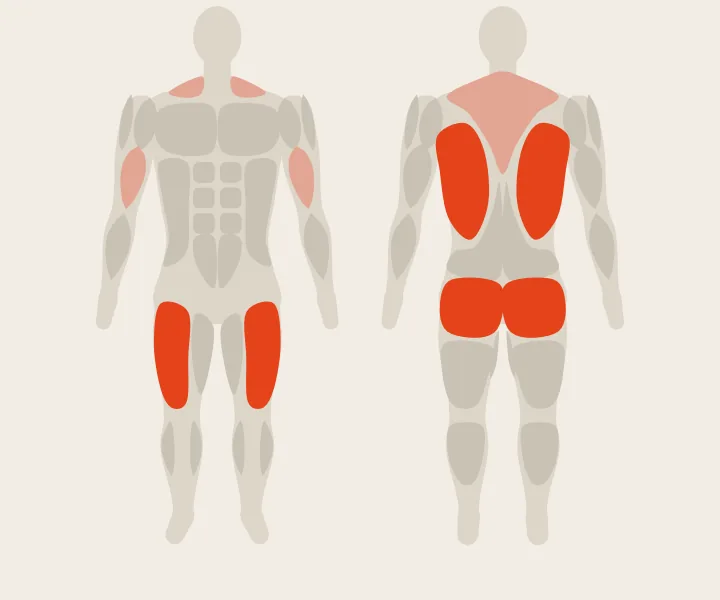
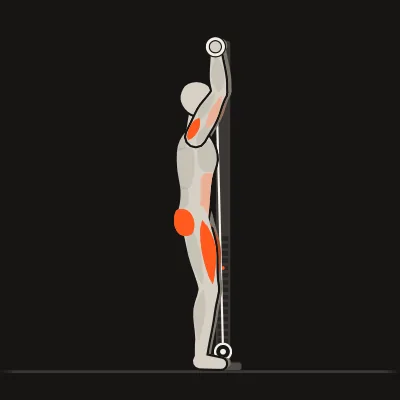
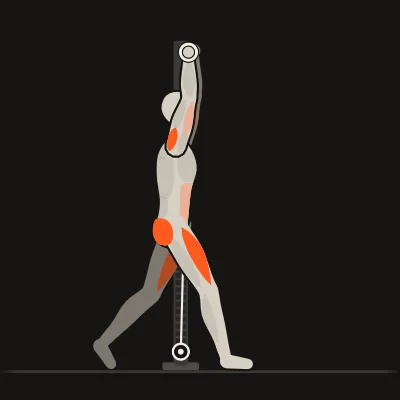
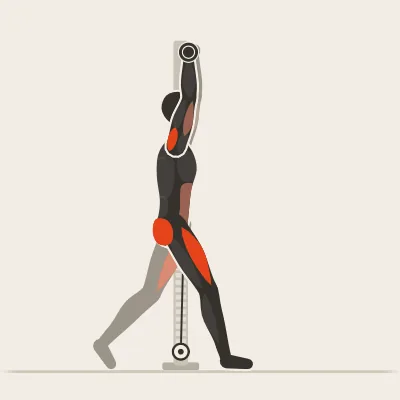
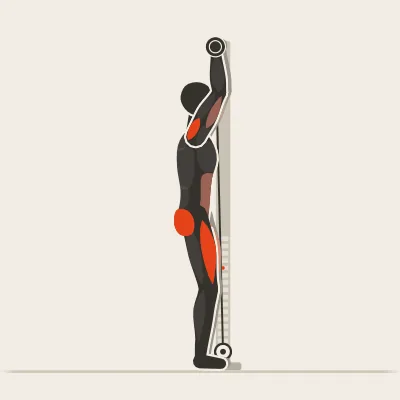
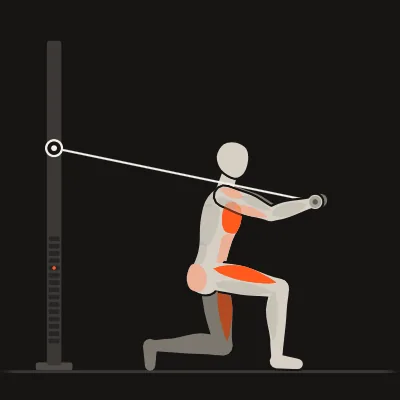
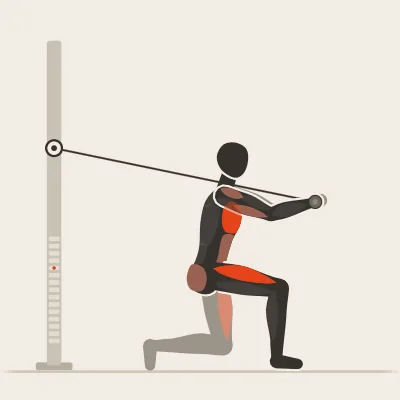
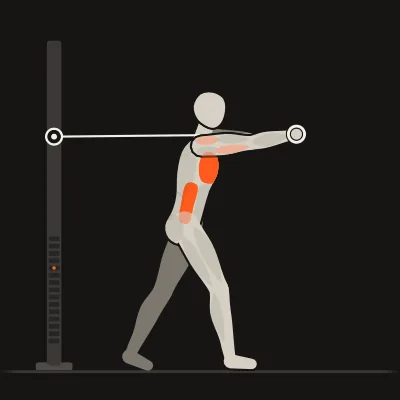
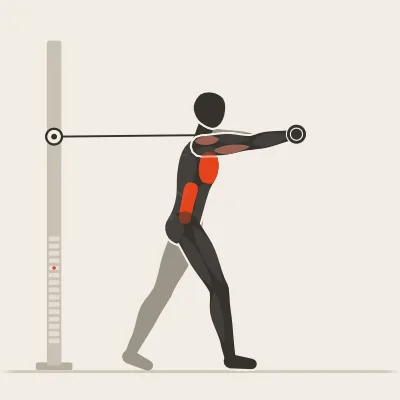
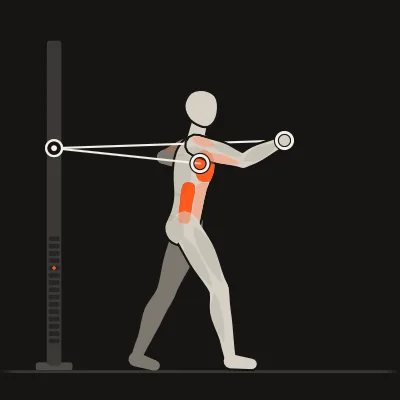
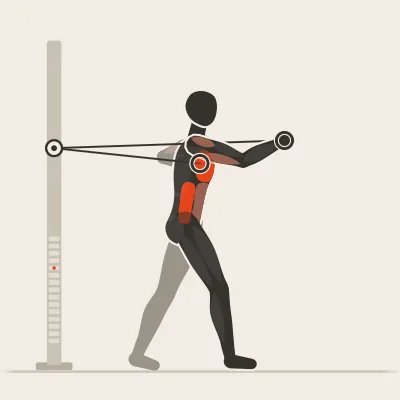
The Cable Squat to Row mainly trains your quads, glutes and lats. Also working: biceps and upper back.
Both cables
Standing, light pull
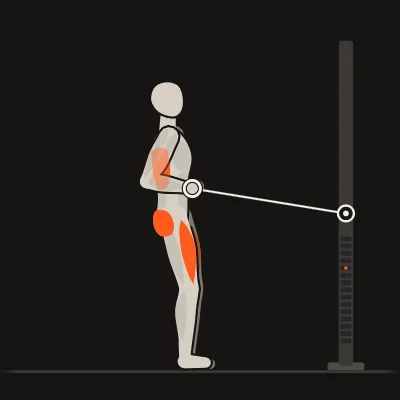
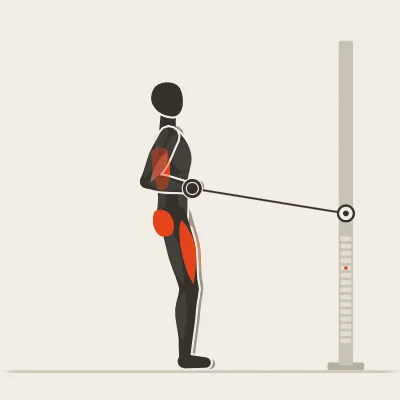
How to do it
- Face the machine, arms extended, light tension on the cable
- Hips back and down into the squat: your arms stay straight
- Stand up and, in the same motion, pull the handles to your stomach
- Squeeze your shoulder blades together briefly, then extend and squat again
Coach’s tip
The cable keeps you balanced as you sit down: that’s why this squat feels safe. Steady tempo, calm breathing: in at the bottom, out as you pull.
Setup
Pulley
Both pulleys at stomach height
Grip
Single handles
Load
Both cables
Needs two cable towers
Stability
Standing with a moderate load. Brace your core.
Alternatives
Other exercises for the same movement (conditioning finisher). In DCFT you can swap with one tap, and the app only offers what your equipment allows.


Questions about this exercise
What muscles does the Cable Squat to Row work?
Mainly the quads, glutes and lats. The biceps and upper back help.
How do I set up the cable machine for the Cable Squat to Row?
Pulley: Both pulleys at stomach height. Grip: Single handles.
Can I do the Cable Squat to Row on a single cable tower?
Not like this. The Cable Squat to Row needs both cables at once, so two towers. If you set up DCFT for one tower, the app leaves it out of your plan and uses exercises such as Cable Goblet Squat to Press and Cable Punch instead.
What can I do instead of the Cable Squat to Row?
For the same movement: Cable Squat to Press, Lunge to Overhead Press and Cable Goblet Squat to Press. In DCFT you swap with one tap.
DCFT
The Cable Squat to Row in DCFT
In the app this exercise comes with your weight: the plate to pin, what you lifted last time and a rest timer that starts by itself.

Free on the App Store for iPhone. Pro is a one-time purchase with no subscription.