
Features
Everything DCFT does for your training
From the first setup to your hundredth workout: what the app does, screen by screen.
12 weeks in a row
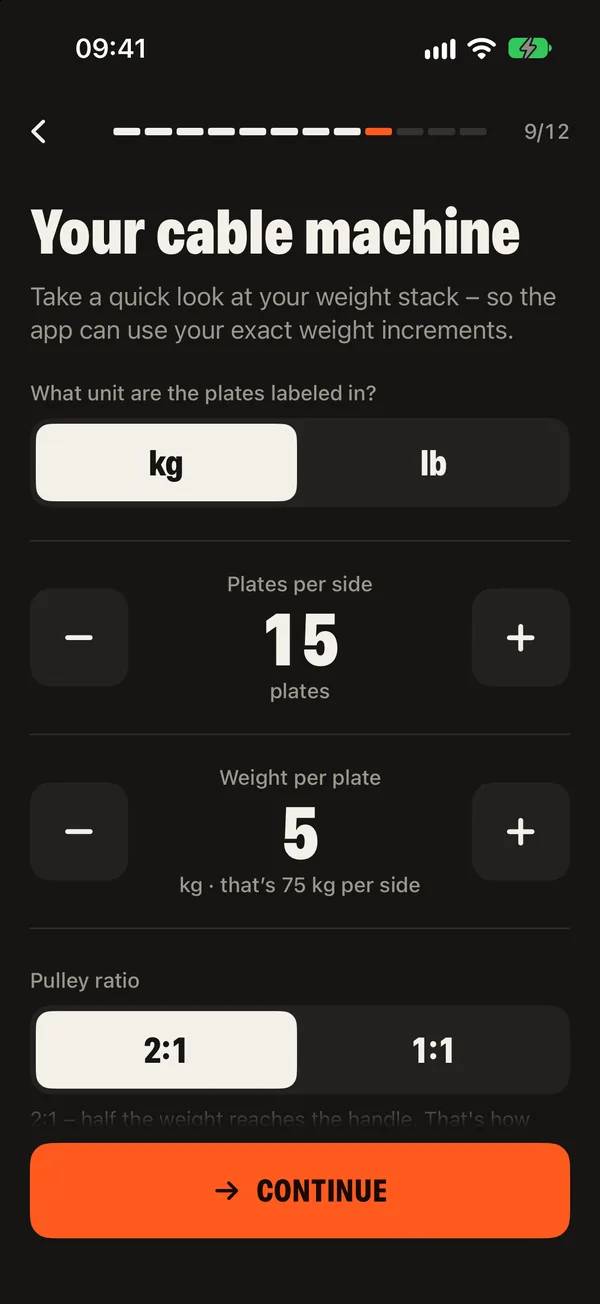
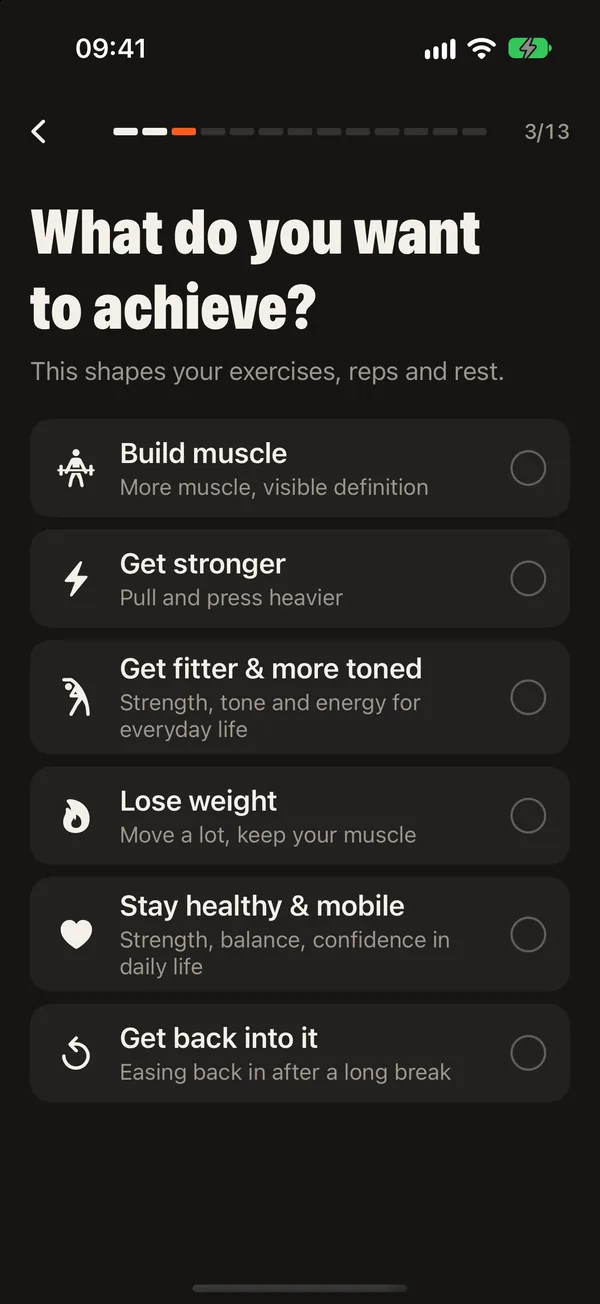
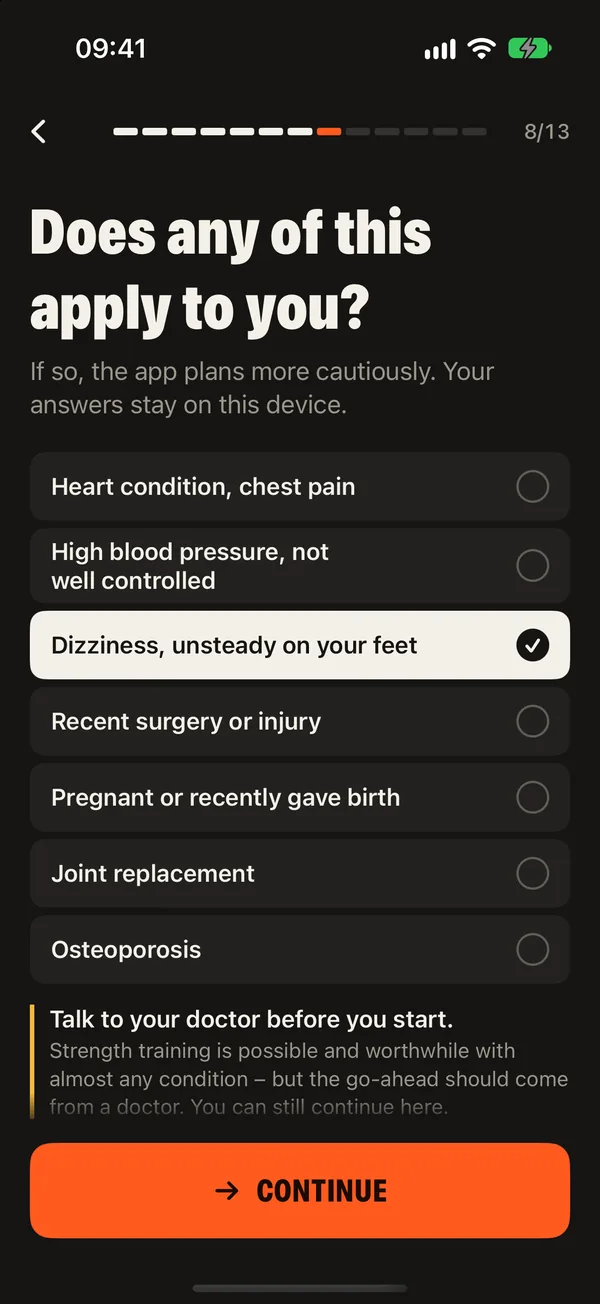
Setup
Five minutes of questions, then a plan that fits
DCFT asks once what it needs to know: who is training, what you want, how you like to train, what bothers you and what your machine can do.
- Six goals and three training styles
- Up to three focus areas, from chest to posture
- Joints that bother you, so their exercises stay out
- A short health check based on PAR-Q+
- Two cable towers or one: with a single tower, DCFT only plans exercises that need one cable
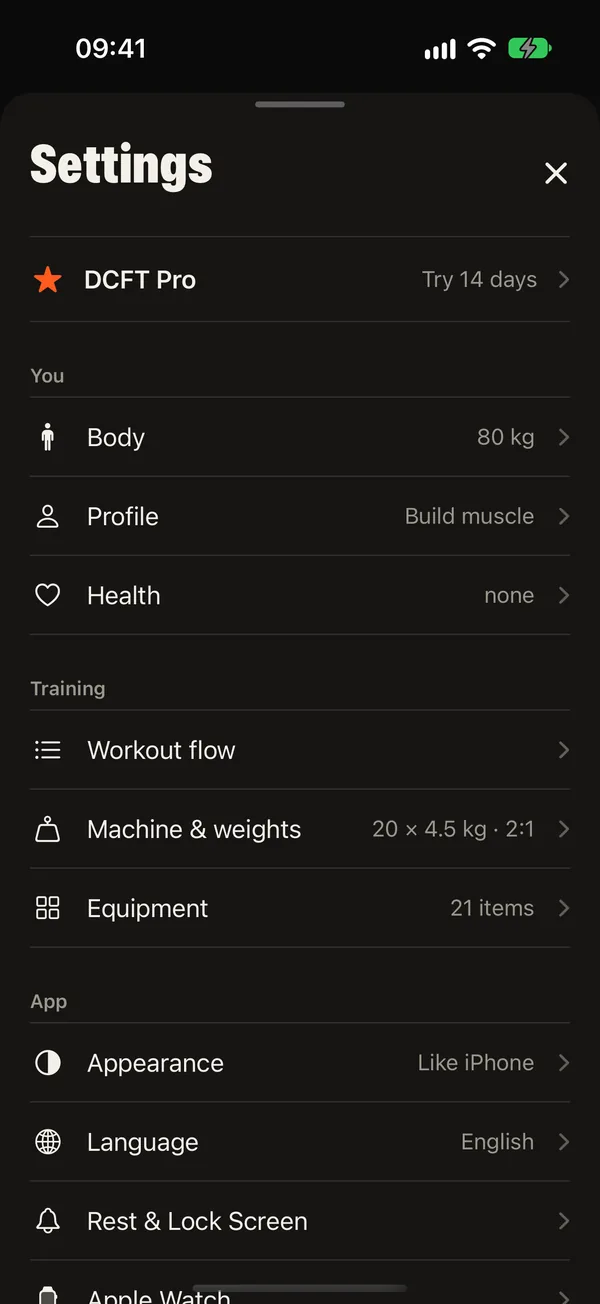
- Plates per side, plate weight, pulley ratio and add-on weights, in kg or lb
- Handles, attachments, bench, pull-up bar and free weights
- Your training days and 30 to 75 minutes per session
- Age, sex and body weight, or import them from Apple Health
Fitness check
Starting weights without guessing
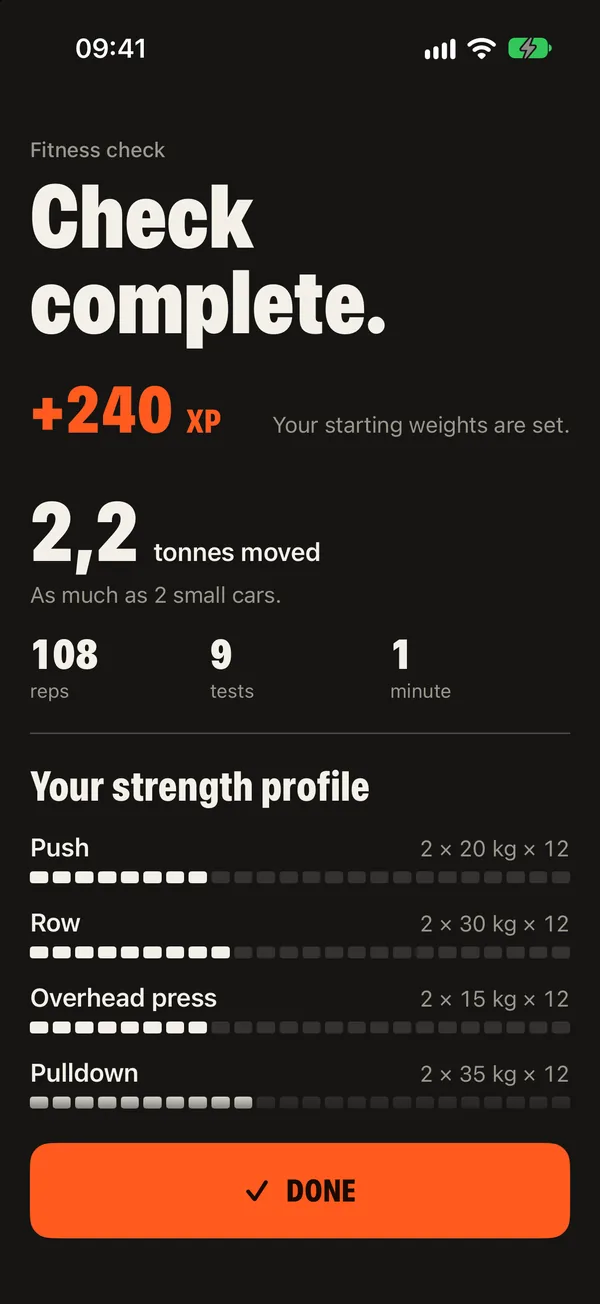
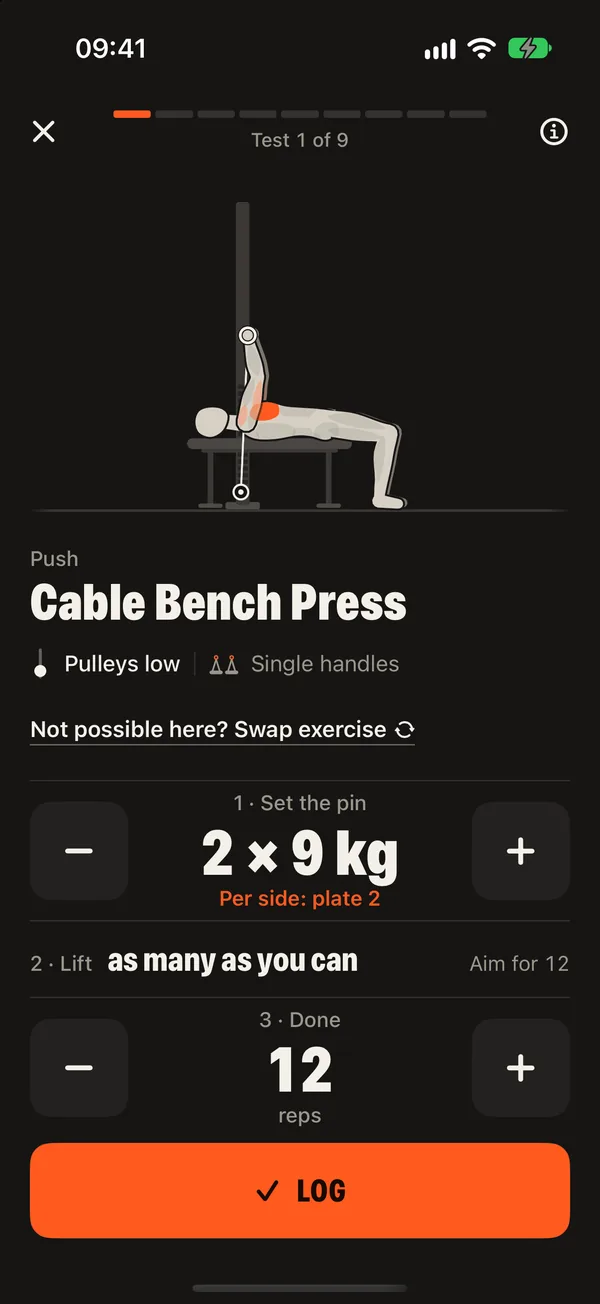
One test set per movement pattern: push, row, press and pulldown, as many clean reps as you can, or a gentle version that stops early. From that DCFT sets every starting weight in your plan.
- A personal strength factor per movement pattern
- Gentle version with chair stands in 30 seconds and a single-leg stand
- Swap a test exercise if your station has no room for it
- Exercises without a known weight start as a trial workout
- Repeat the check whenever you like




Your plan
A week that fits your life
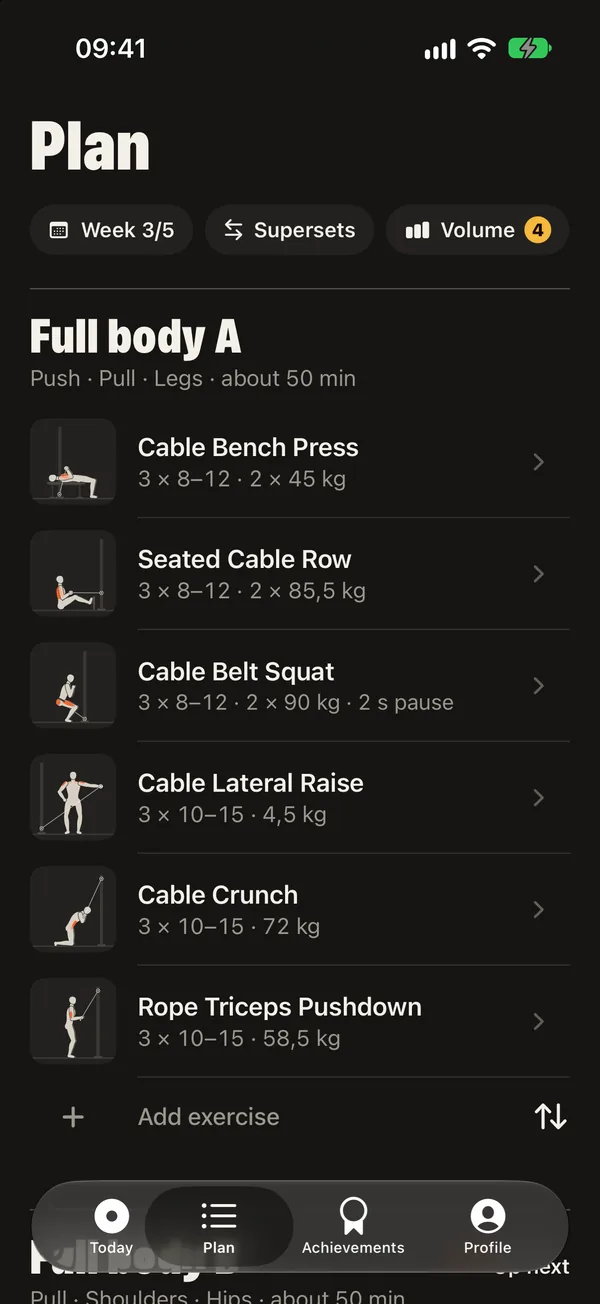
DCFT picks a split for your days and fills it with exercises that suit your machine, your goal and your level. You stay in charge of every detail.
- Full body, upper and lower, or push, pull and legs
- Supersets across both stacks without re-rigging
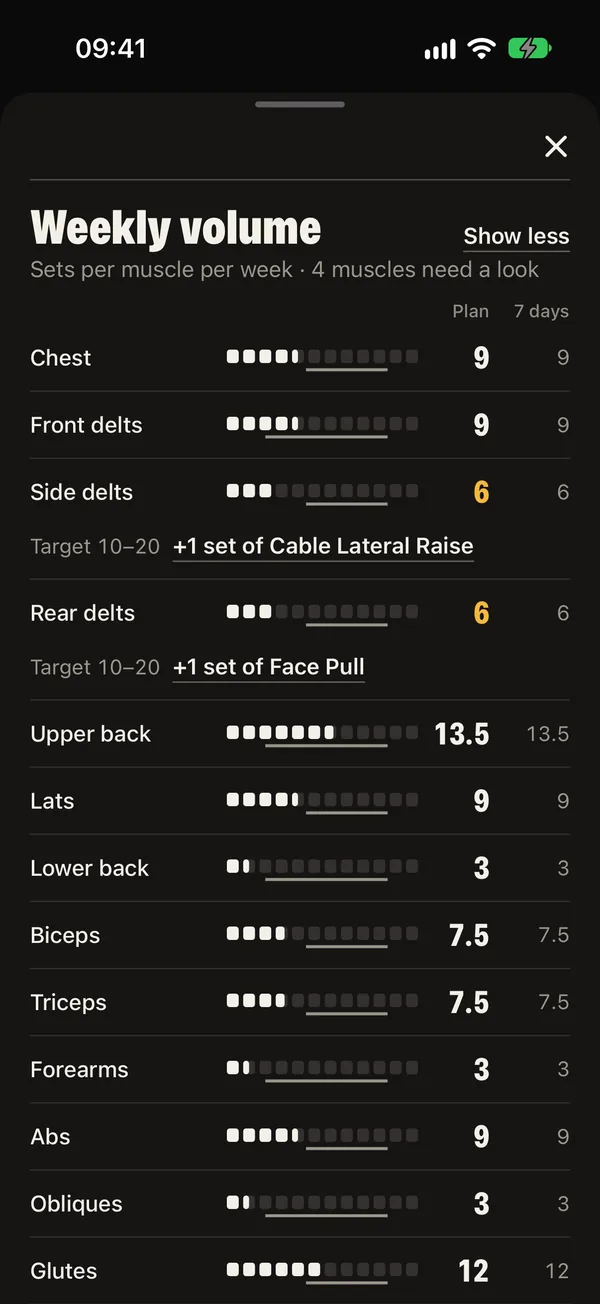
- Weekly volume per muscle against the target
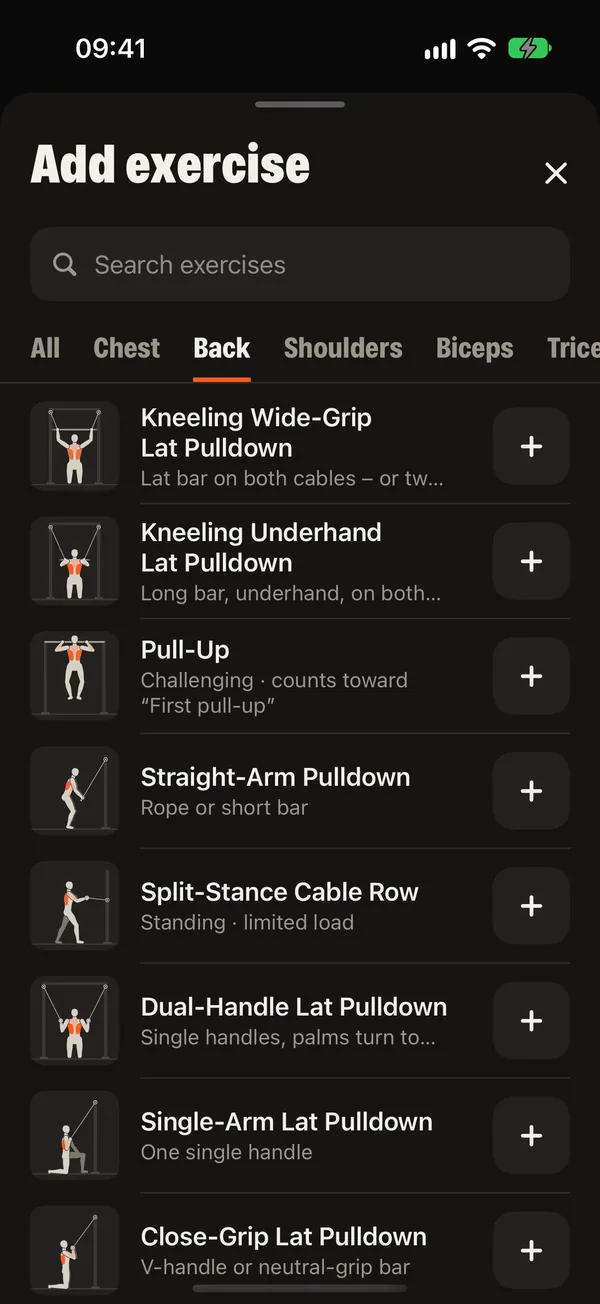
- Add, swap, remove and reorder exercises
- “Time today” shortens a session to the time you have
- Fixed or flexible training days; missed days get a new slot
- Rebuild the whole plan when your goal changes
In the workout
Every set tells you what to do
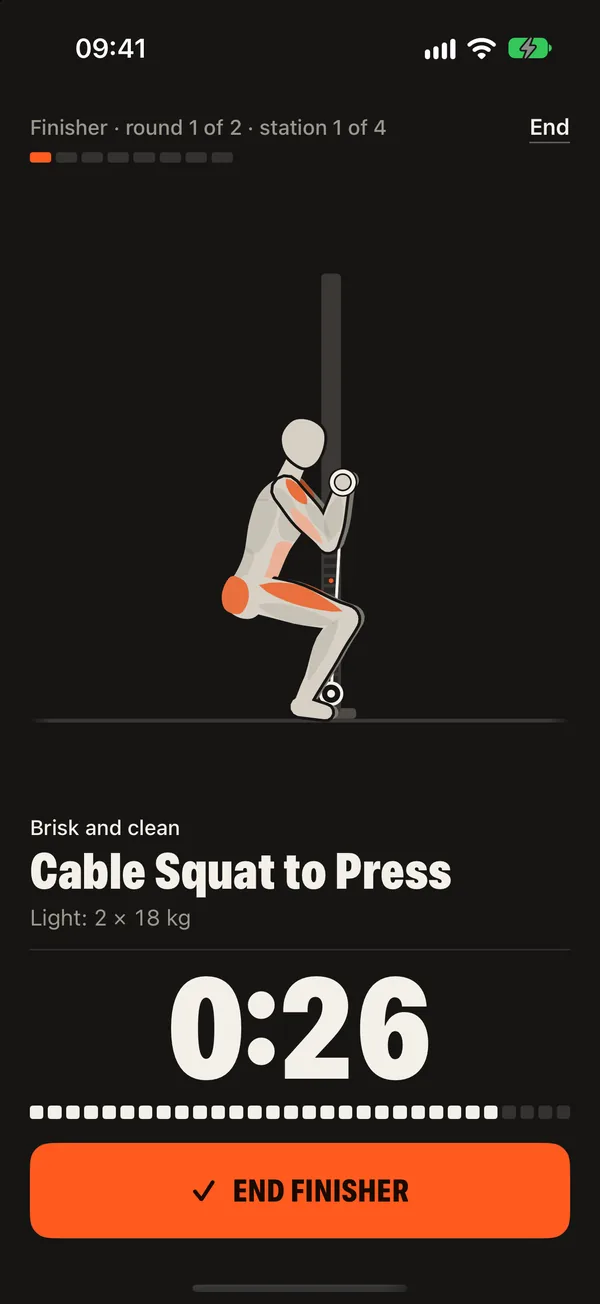
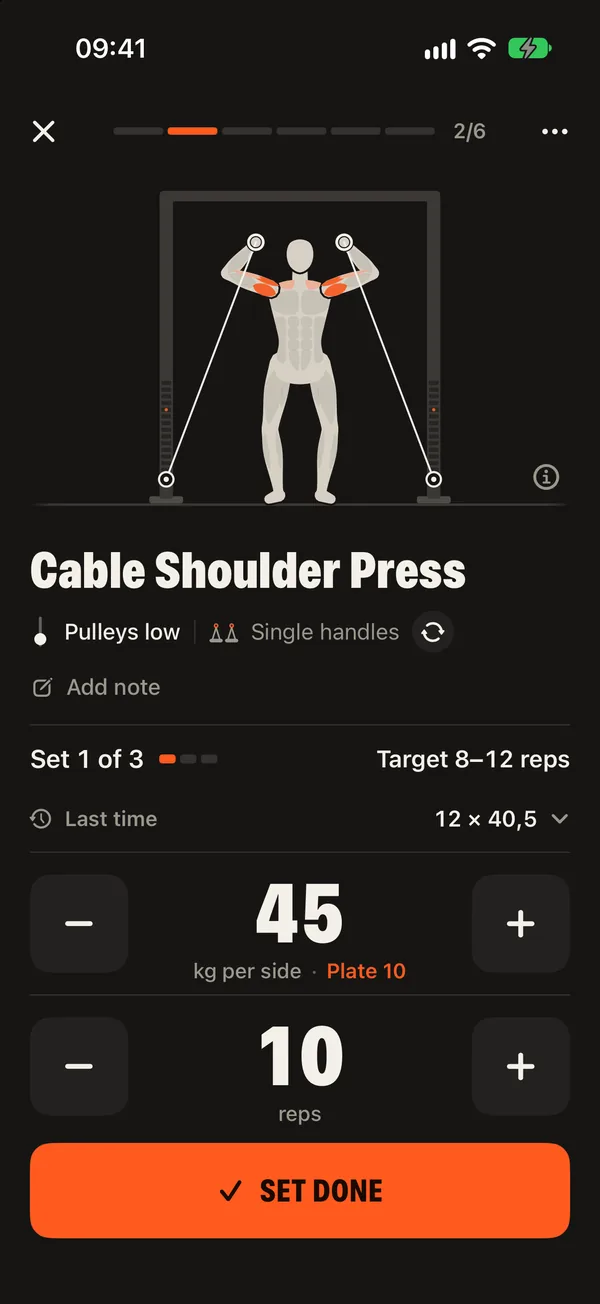
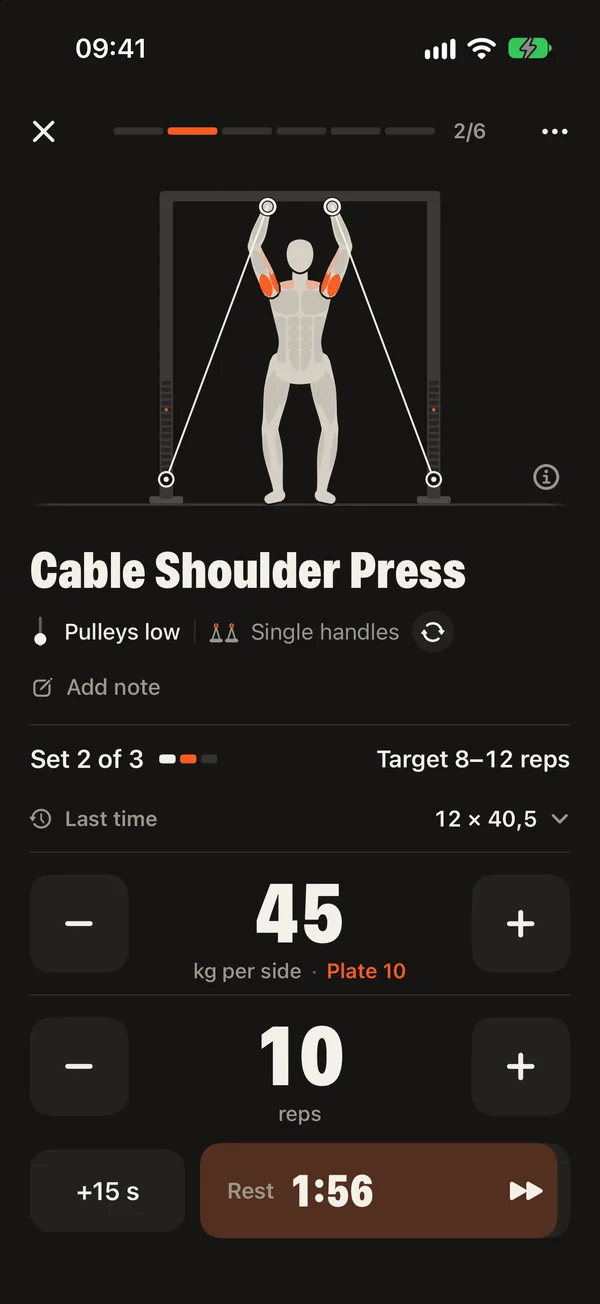
Big numbers you can read from the bench: the weight per side, the plate to pin, your target reps and what you did last time.
- Plate number to pin, worked out for your stack
- “Last time” for every set
- Warm-up sets before heavy exercises
- Left and right counted on their own for one-sided exercises
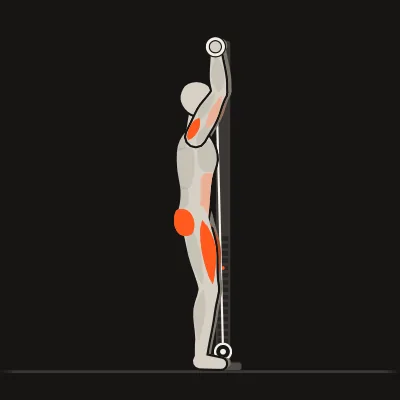
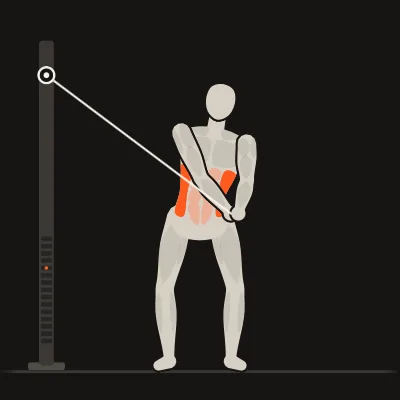
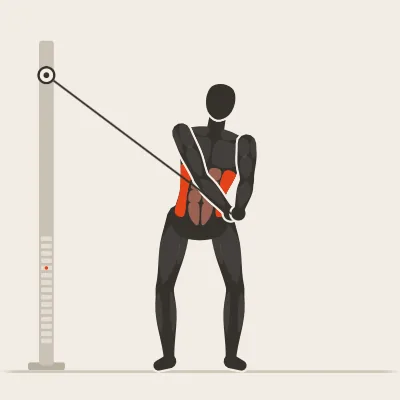
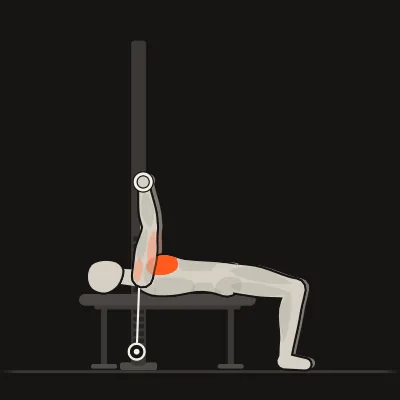
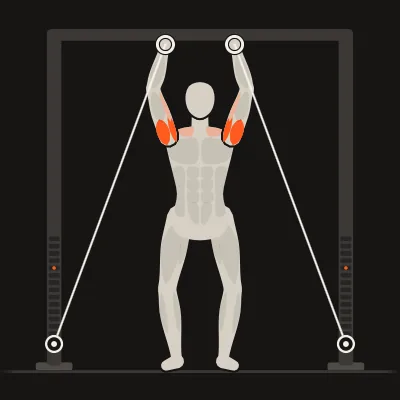
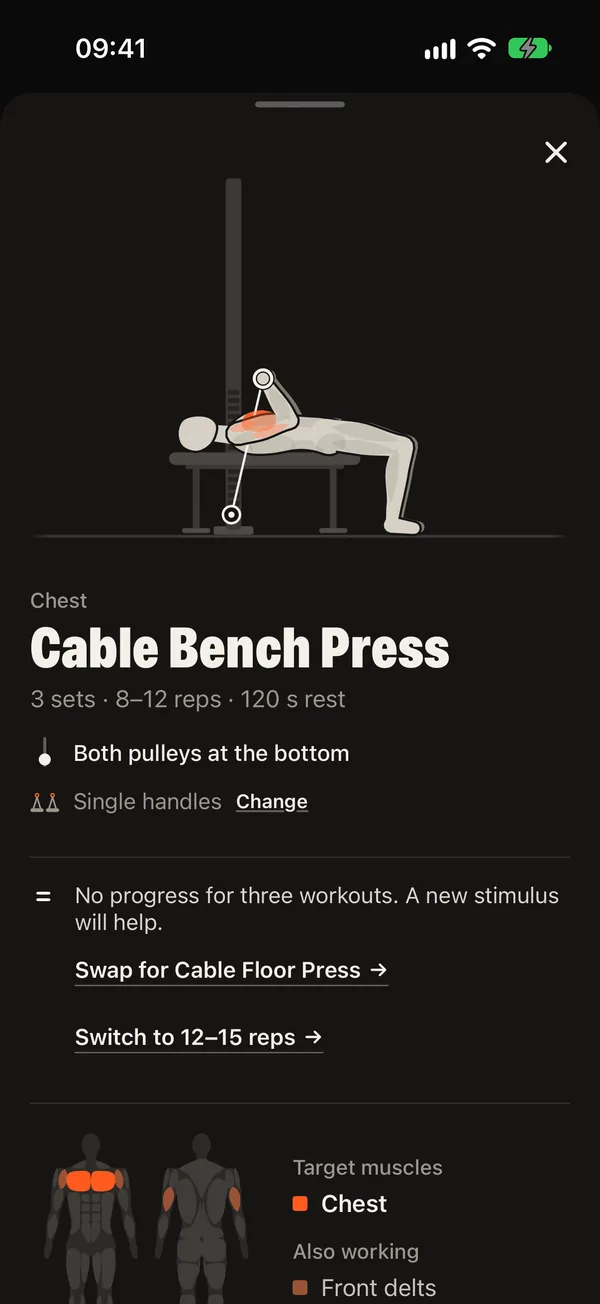
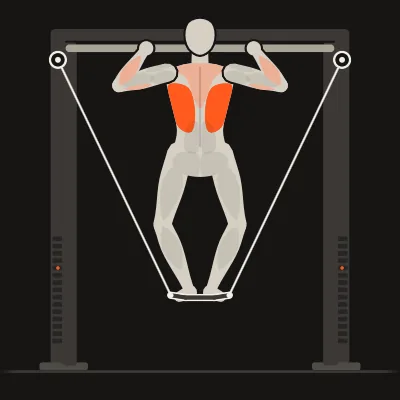
- How-to with animated figure, cues and a coach’s tip
- Swap an exercise in the middle of a workout
- Resume a workout after the app was closed
Rest timer
Rest that runs on when you put the phone down
The timer starts by itself after every set. When the rest is over, your iPhone or Apple Watch lets you know, and the next exercise is already on screen so you can set the pulleys in time.
- +15 seconds or skip with one tap
- Time-sensitive alert when the rest ends
- Countdown, next set and weight on the Lock Screen and in the Dynamic Island (Pro)
- Rest lengths that fit your goal, adjustable per exercise
Coaching
Progress that is planned, not left to chance
DCFT does what a good coach does between workouts: it decides when the weight goes up, when you need a lighter week and when it is time for something new.
- Asks before raising the weight: all reps clean?
- Jumps straight to a fitting weight when a set was far too easy
- Deload weeks every few weeks
- Plateau help with one tap
- Planned training blocks that change rep ranges and accessory exercises
- Shoulder and posture care when your plan needs it
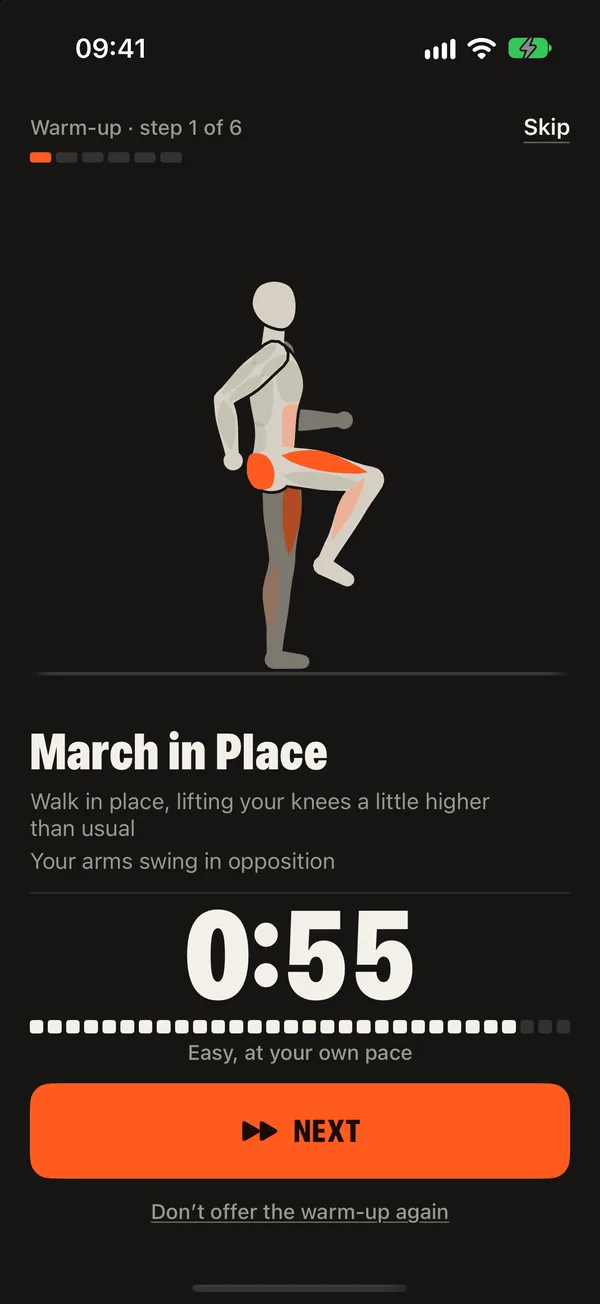
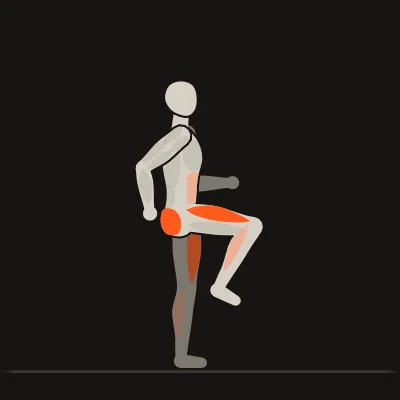
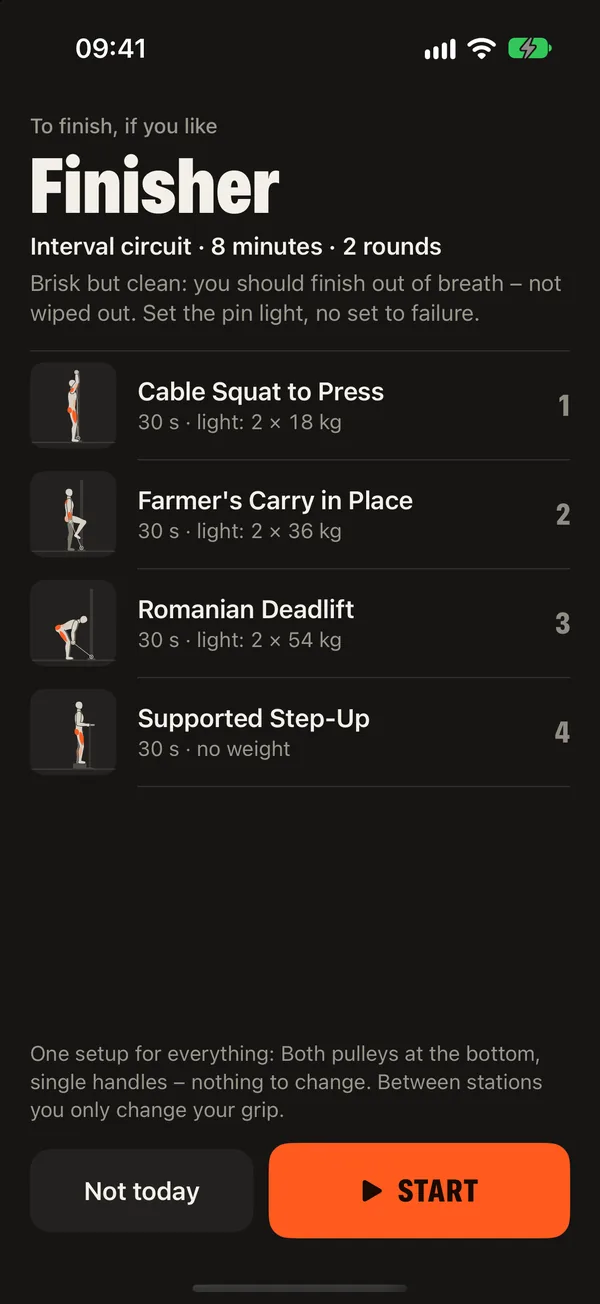
- Guided warm-up and cool-down, a conditioning finisher and a step goal
Safety
Train around what hurts
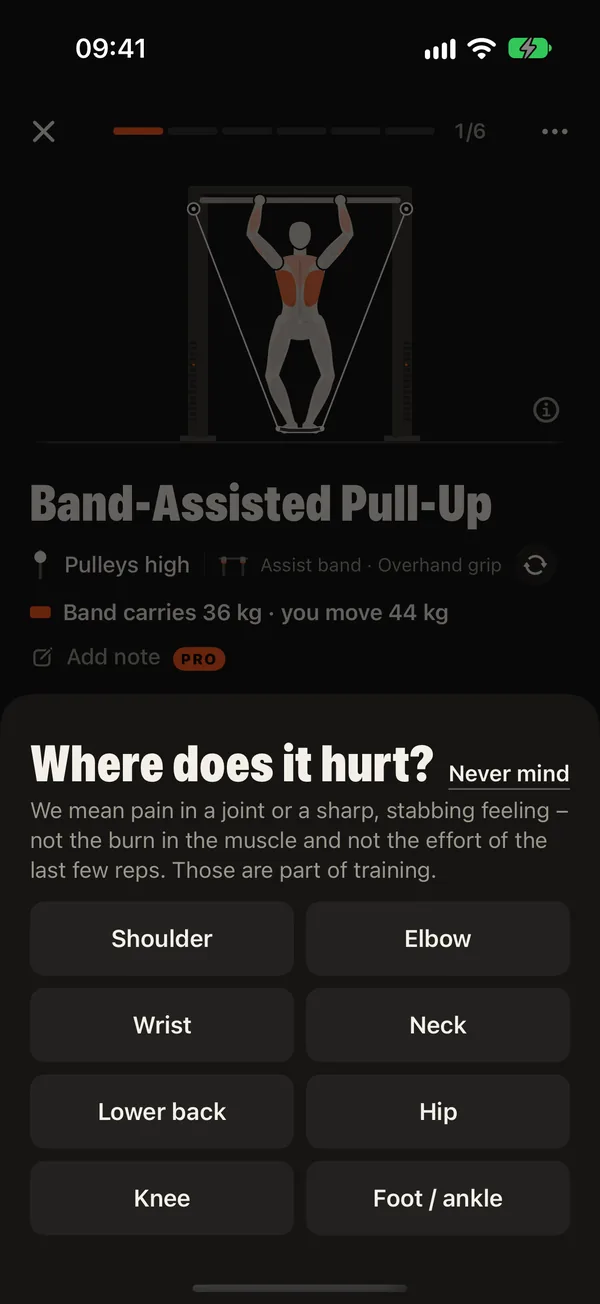
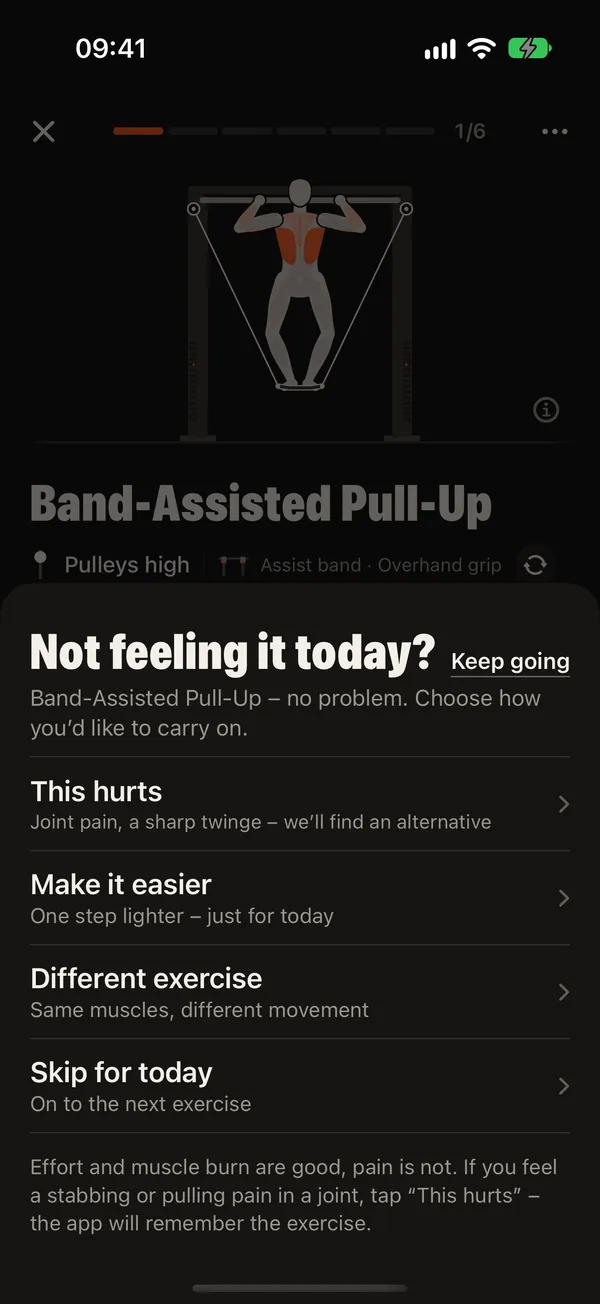
Pain is information, not a reason to stop for good. DCFT reacts to it right away and remembers it for your plan.
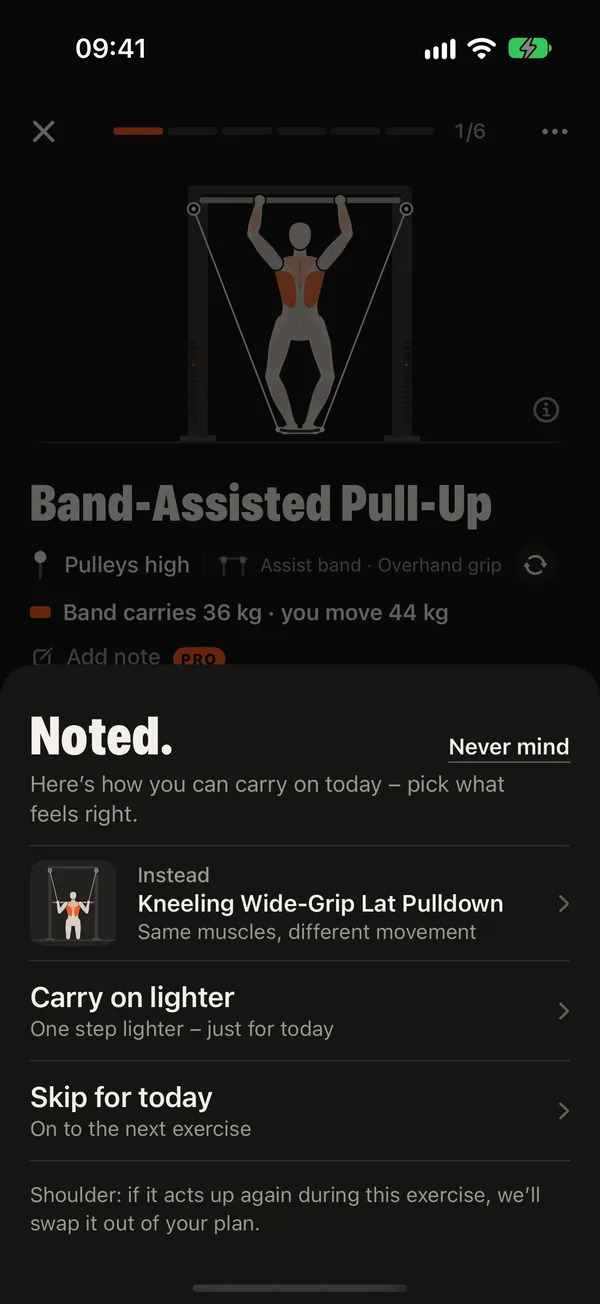
- “This hurts”: where and how much, then a gentler exercise for today
- Twice in six weeks: the exercise is replaced in your plan
- Pain in one joint across exercises: that joint is protected
- Lasting pain: a calm advice to have it checked
- “Not feeling it today?” goes one step lighter, just for today
- Health answers lead to a careful plan and advice to see a doctor
DCFT is a training app, not a medical device. If you have health problems, talk to your doctor before you start.
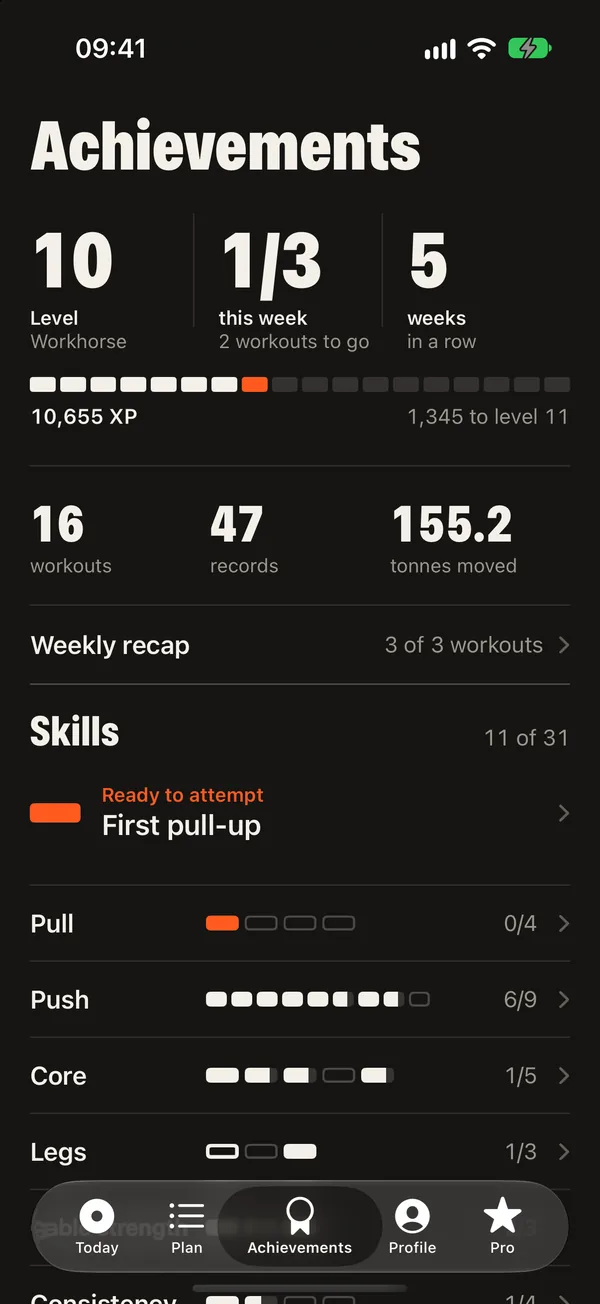
Progress
Motivation that keeps you coming back
Small wins early on, big goals on the horizon. Everything is calculated from your own workouts.
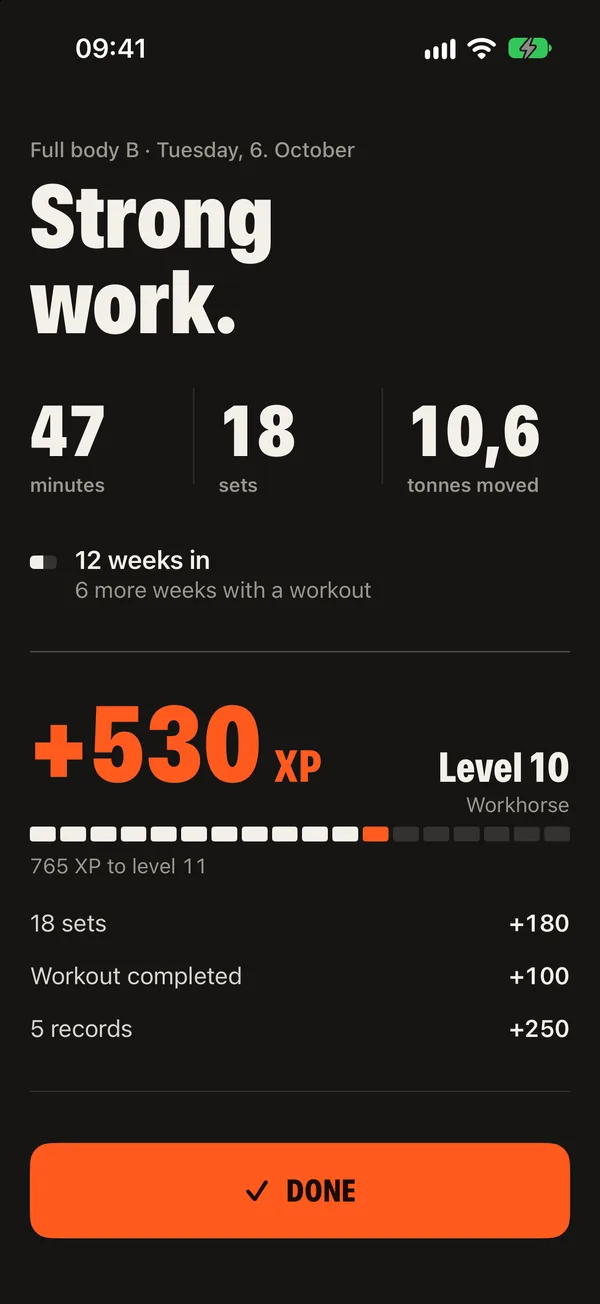
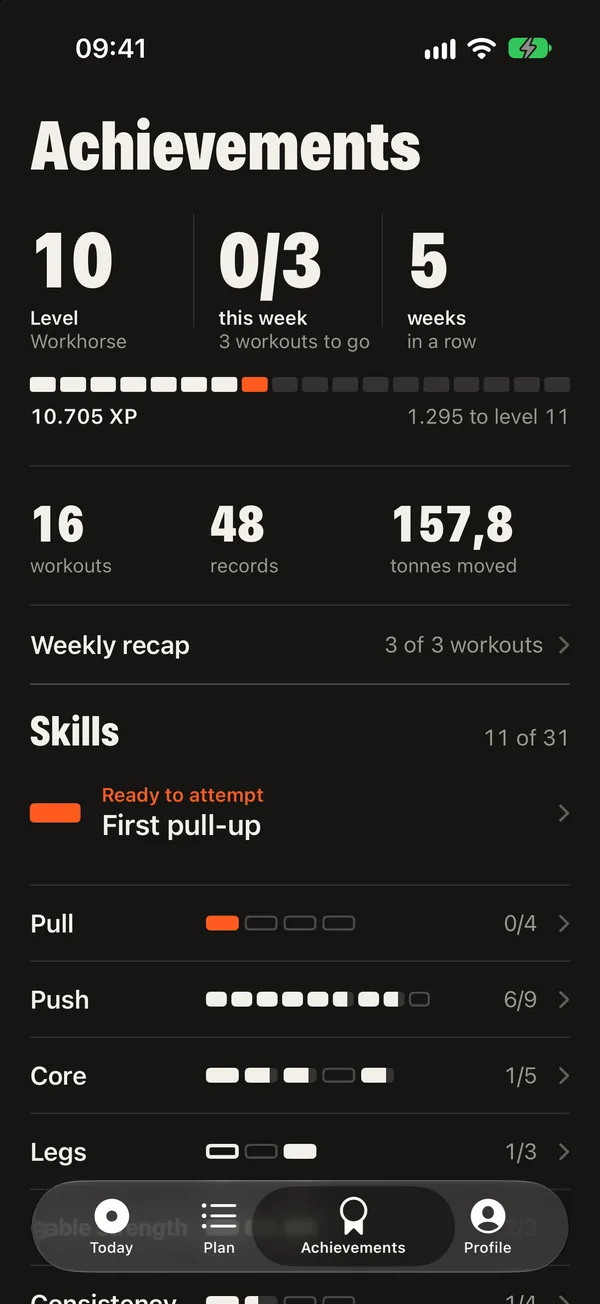
- Level and XP, weekly goal and a streak in weeks
- Weekly recap with your best moments
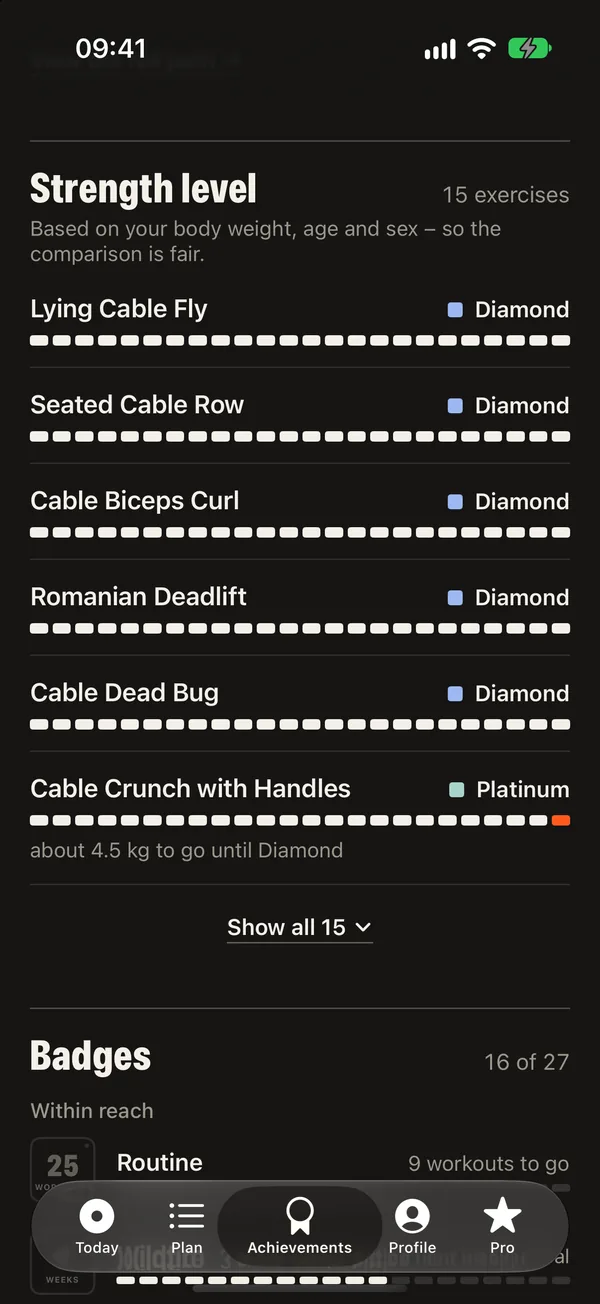
- Personal records for every exercise
- Strength level for your body weight, age and sex
- Badges and a skill path from the first push-up to the muscle-up
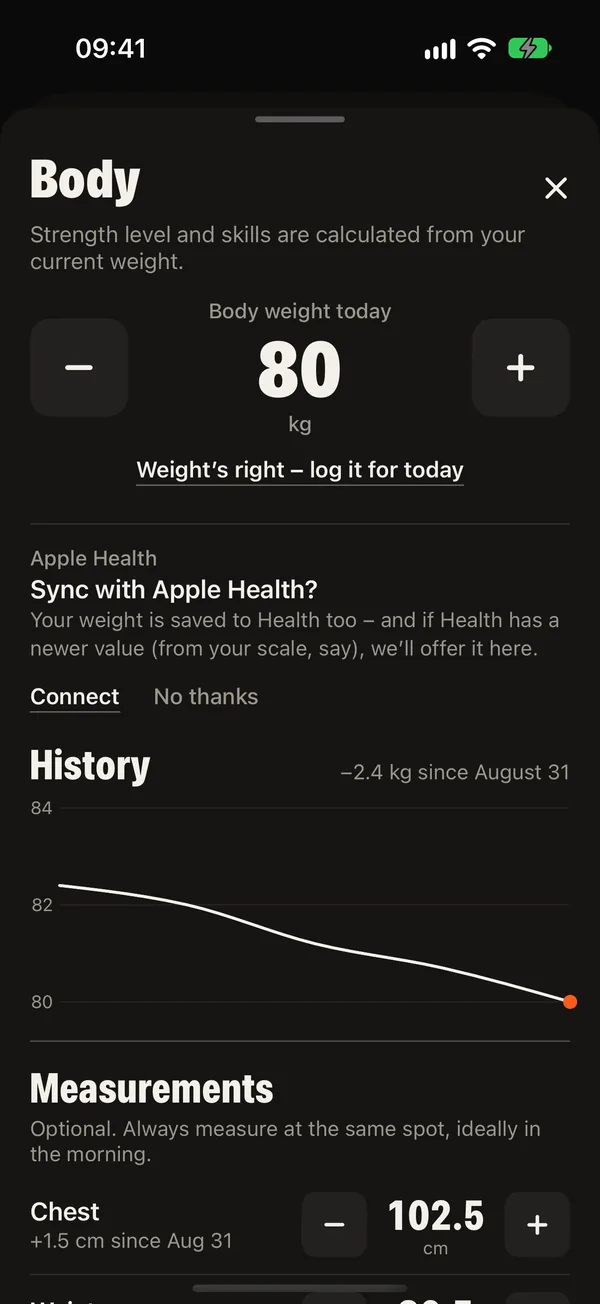
- Body weight and measurements over time
Stats (Pro)
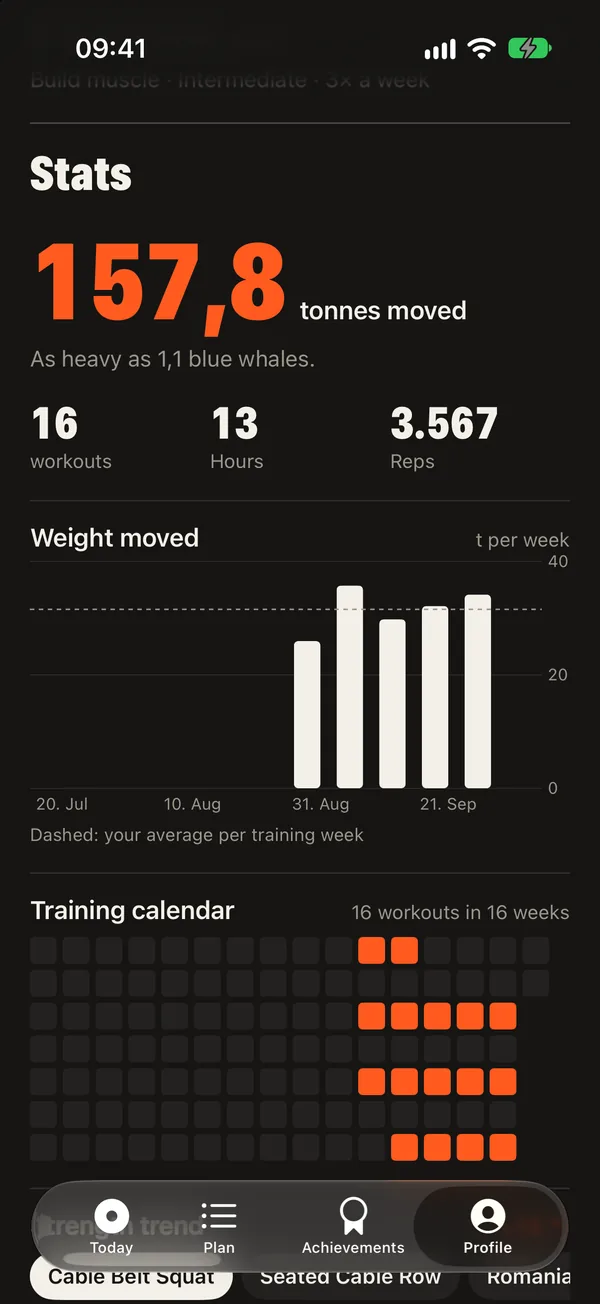
See what your training adds up to
Twelve weeks at a glance: how much weight you moved, how often you trained, how your strength develops and which muscles got how many sets.
- Weight moved per week, compared with everyday things
- Training calendar
- Strength trend per exercise from your estimated one-rep max
- Muscle split over the last four weeks
- Notes on exercises that travel with you from workout to workout
Your data
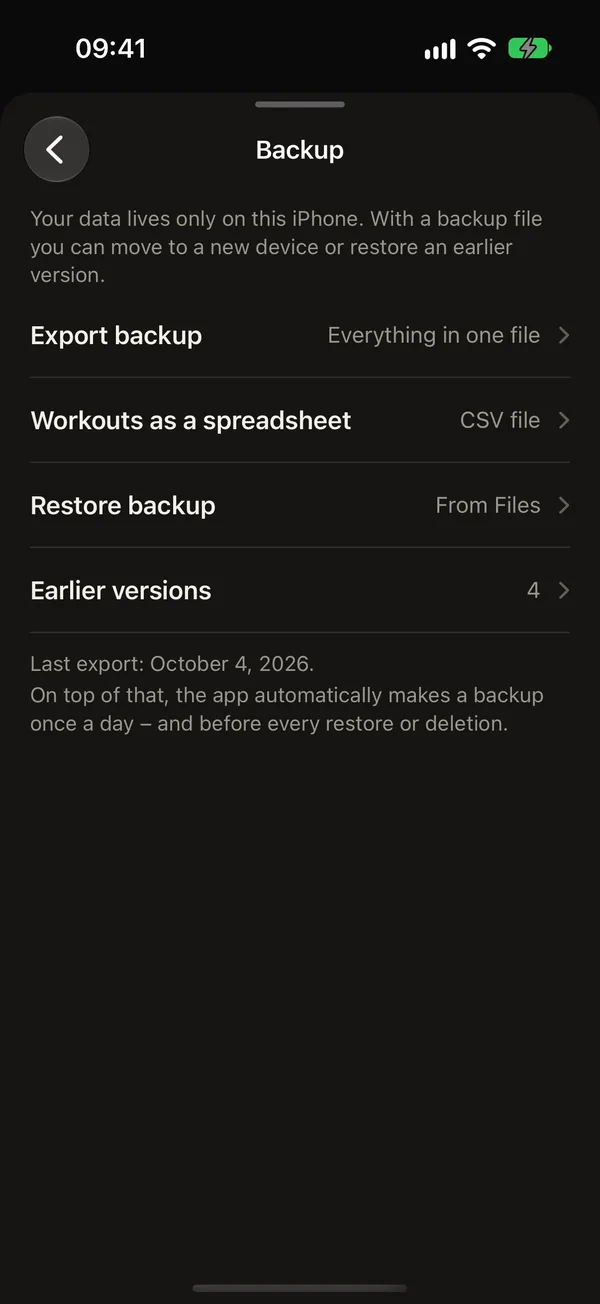
Yours, on your phone
No account, no server, no tracking. You decide what leaves your iPhone, and in which form.
- Backup as a single file, restore it by opening it
- All workouts as a CSV file for any spreadsheet
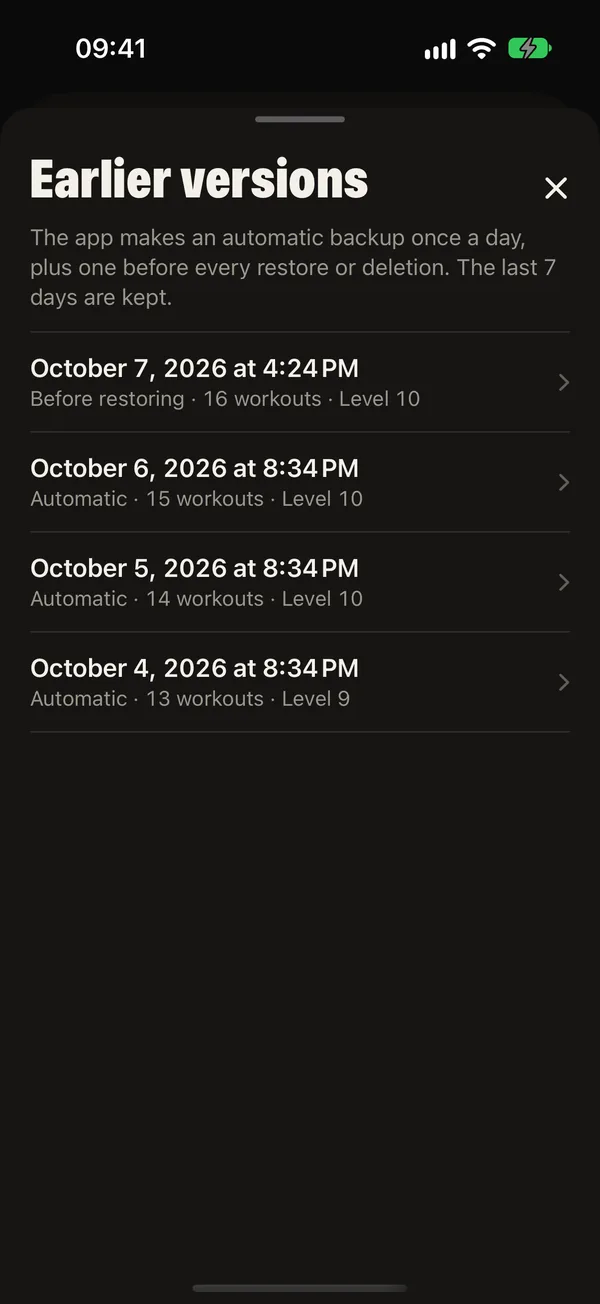
- Automatic snapshots of the last seven days
- Apple Health, optional and separate for each type of data (Pro)
- Delete everything with one button
For everyone
Made to be easy to use
Readable from two metres away, usable with sweaty fingers and calm when you want it to be.
- 8 languages: English, German, Spanish, French, Italian, Dutch, Polish and Portuguese (Brazil)
- Light, dark or like your iPhone
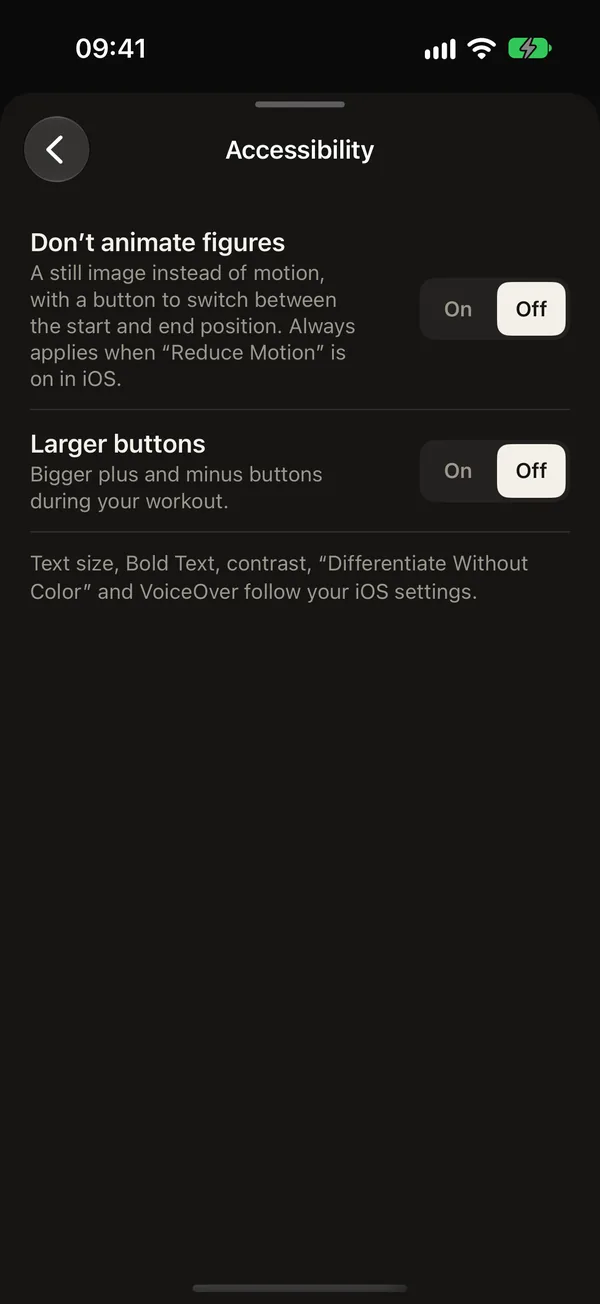
- Larger buttons and still figures if you prefer
- Follows Dynamic Type, contrast and Reduce Motion
- kg or lb
Apple Watch
Your Apple Watch as a remote
Set, plate and rest on your wrist. Part of DCFT Pro.
Train with a plan that knows your machine

Free on the App Store for iPhone. Pro is a one-time purchase with no subscription.
DCFT is one of the apps on hohl.dev.